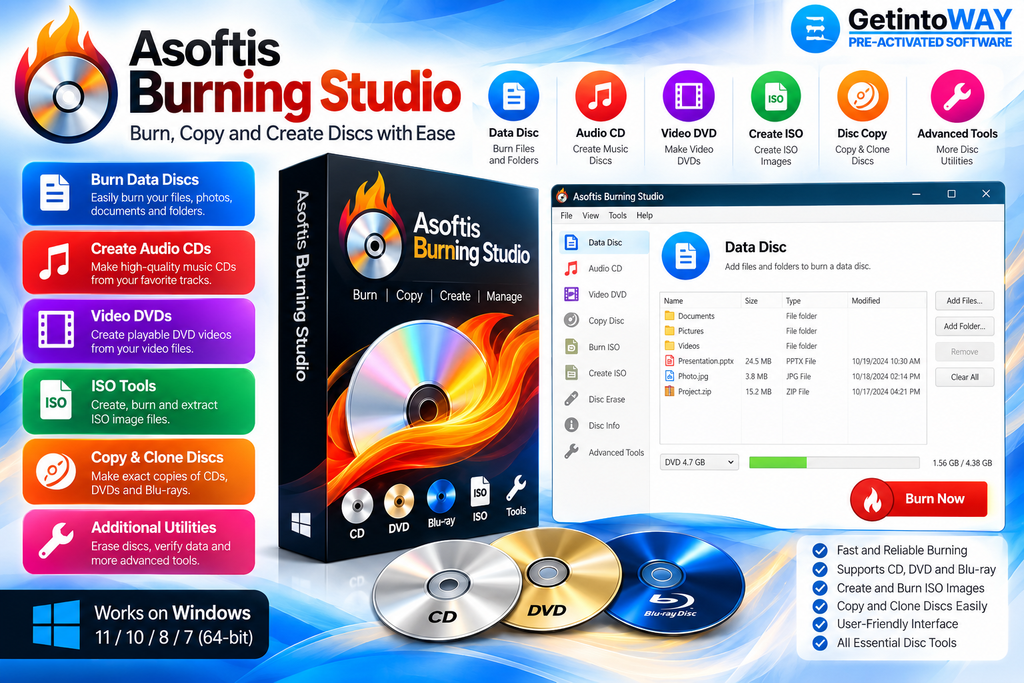
Asoftis Burning Studio is a Windows disc-burning application for creating data discs, audio CDs, video DVDs, and Blu-ray discs. It suits home users and professionals who need a simple way to back up files, archive important data, copy discs, or work with optical-disc images.
The software supports ISO and BIN/CUE images, multisession discs, rewritable media, M-Disc, and multiple connected burners. Users comparing similar tools can also explore BurnAware Professional for Windows.
Characteristics of Asoftis Burning Studio
- Burns data to CDs, DVDs, Blu-ray discs, and M-Disc
- Creates audio CDs from MP3 and WAV files
- Copies CDs and DVDs with one-to-one accuracy
- Creates and burns ISO and BIN/CUE images
- Supports ISO 9660, UDF, and Joliet standards
- Continues writing data to multisession discs
- Automatically erases supported rewritable media
- Provides burn simulation and buffer underrun protection
- Supports several connected disc burners simultaneously
- Allows precise selection of supported burning speeds
What’s New in Asoftis Burning Studio 1.8.2
- Creates ISO images directly from selected files and folders
- Opens saved ABS projects with a double-click
- Preserves Cyrillic and Chinese filenames in saved projects
- Adds direct bug reporting through the About window
Official Website: Asoftis Burning Studio Official Website
System Requirements
- Operating System: Windows 7, 8, 8.1, 10, or 11
- Optical Drive: Compatible CD, DVD, or Blu-ray writer
- Storage: 6.1 MB installer, plus project data space
Open Installation Guide & Frequently Asked Questions
Build Highlights
Software: Asoftis Burning Studio
Type: Official Windows Installer (Silent RePack)
Setup Size: ~7.35 MB
Status: Clean, Tested
